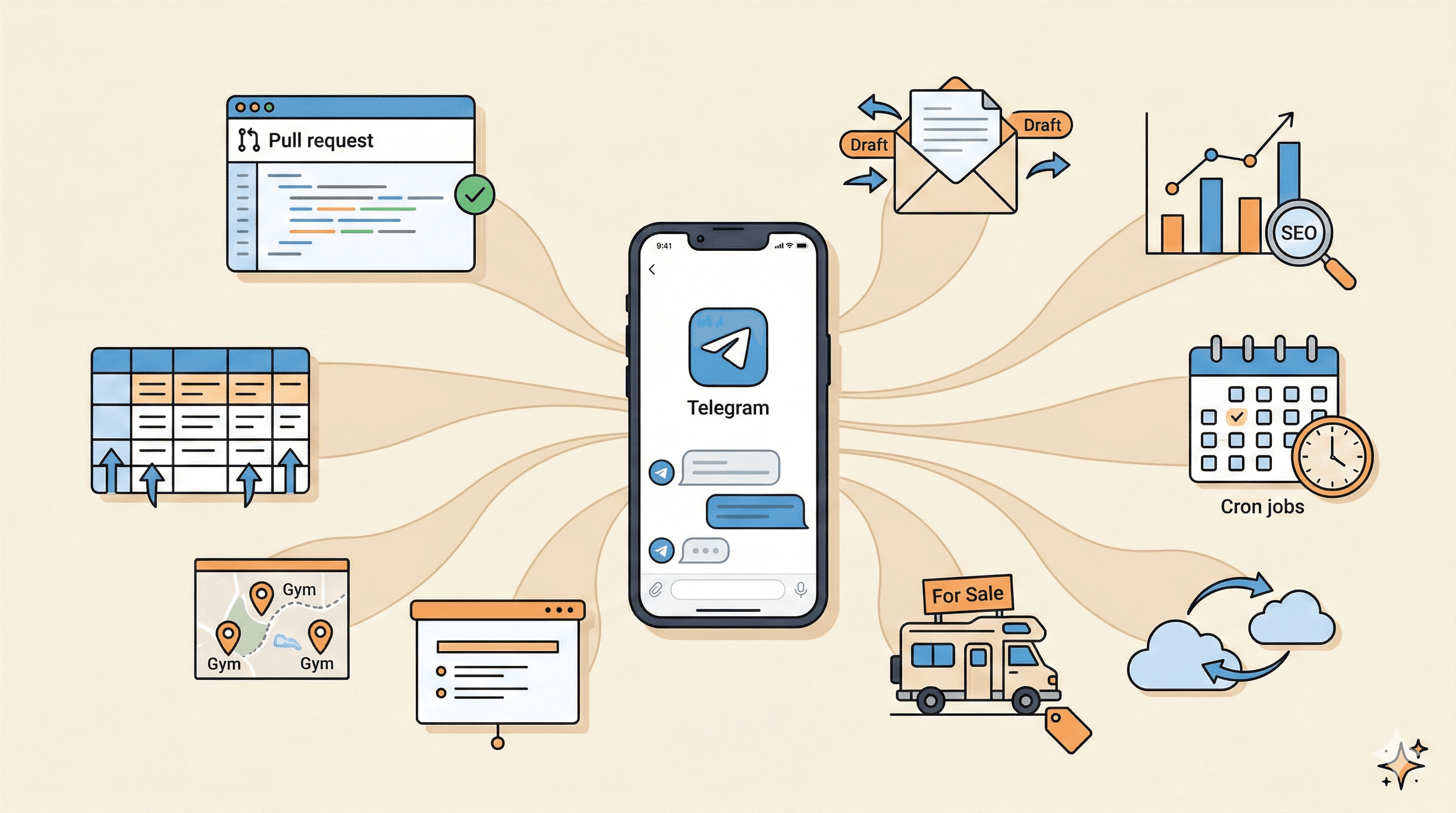
For the last two weeks, I've been interacting with my personal AI assistant, OpenClaw, for everything that came to my mind. Developing completely new features across multiple projects. Running my SEO strategy. Doing email outreach to potential partners. Populating databases with hundreds of records. Creating classified ads. Researching personal travel. Preparing slide decks for work. Setting up infrastructure. Whatever I could think of, I tried it.
I was on vacation for part of those two weeks. Diving in Egypt. And in between dives, I'd pull out my phone, open Telegram, and send my assistant a new task. A few minutes here, a few minutes there. By the time I surfaced from the next dive, the work was done.
The breadth of what actually worked surprised me. Not one or two use cases. Dozens. Across completely different domains. This article is my attempt to document all of them, because I think the most useful thing I can share right now is not how any single use case works, but how many different things become possible once you have an autonomous agent connected to your tools and your data.
Use cases covered:
- Development across projects
- Building databases from nothing
- Email outreach
- SEO on autopilot
- Cron jobs for everything
- Camping car ads, presentations, and more
Where this started
A few weeks ago, I wrote about being afraid to let an AI agent code autonomously. That article described my first steps with OpenClaw: the trust ladder, the gradual expansion of access, the shift from coding in my IDE to reviewing pull requests from my phone.
Since then, the development workflow has evolved even further. I now have a full virtual team reviewing every pull request: a code reviewer, a security auditor, and a QA tester. That article covers the development side in depth.
This article is about everything else. Programming was the entry point. Once the trust was there and the connections were in place, the use cases multiplied in directions I never anticipated.
Development across projects
Yes, OpenClaw codes. But not one project at a time. At any given moment, my agent is working across four or five projects simultaneously:
- RackHour - a CrossFit gym marketplace
- CSRD Experts - a sustainability consultants directory
- ESG Business Case - a business case tool
- Inside AI Agents - this blog
Each has its own repo, database, and deployment pipeline. The agent context-switches between them the way a senior developer would. I send a message about a RackHour feature, and some minutes later there's a pull request. While I'm reviewing that, I send a message about a CSRD Experts bug, and another PR appears.
Every PR gets auto-deployed previews I can test from my phone, and independently reviewed by a multi-agent review pipeline before I even look at it.
To keep track of everything across these projects, the agent built its own Mission Control: a dashboard where I can see all ongoing tasks, pending PRs, and project status at a glance. Instead of jumping between GitHub repos and Linear boards, I have one place that shows me what's happening everywhere.
The agent isn't a tool I point at one task. It's a team member working across my entire portfolio.
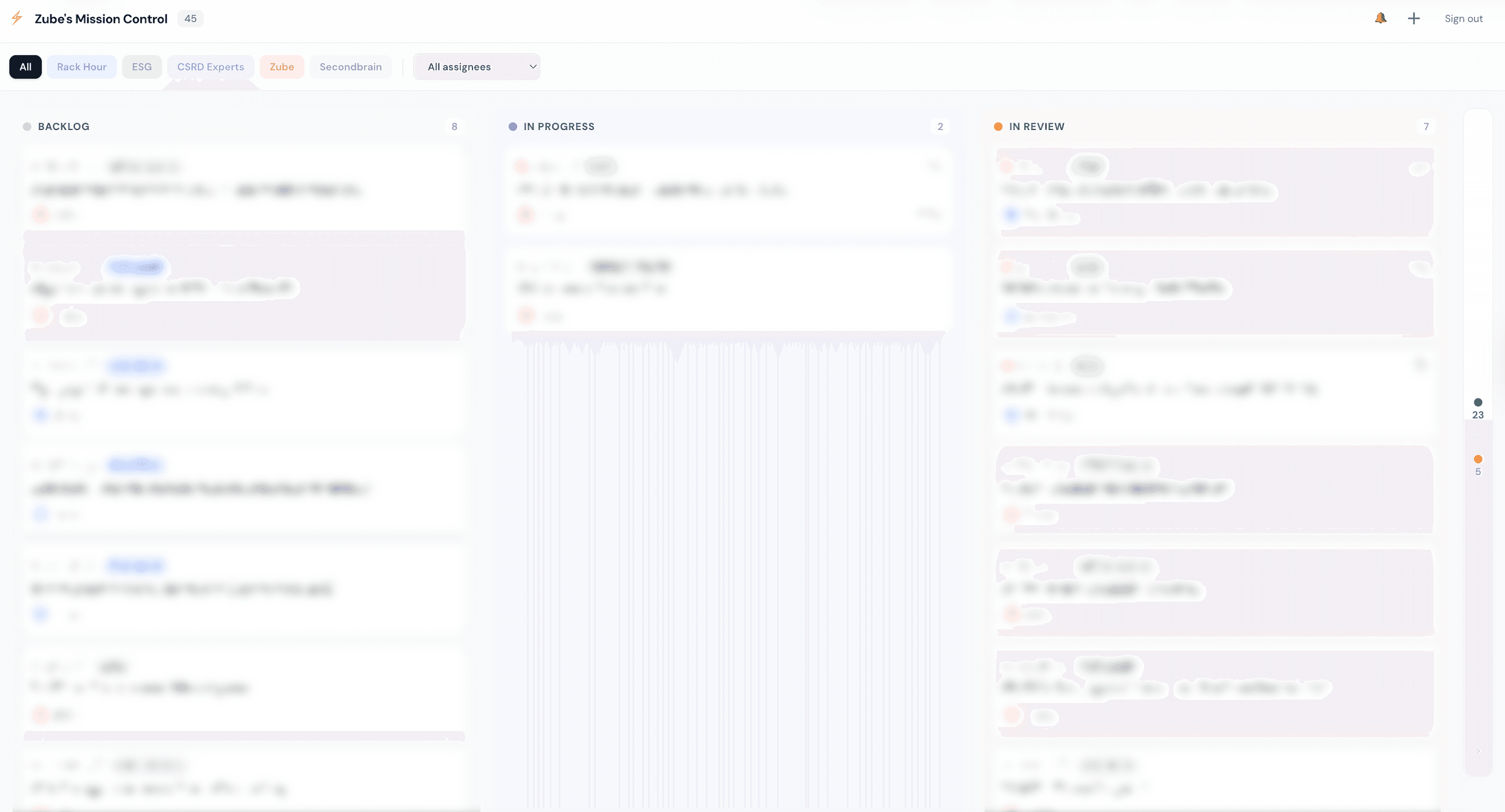
Mission Control: tracking tasks across all projects in one place
Building databases from nothing
Two of my projects needed data. Not a little data. Hundreds of detailed, verified records with images and metadata.
What I needed
- CSRD Experts: 65+ real sustainability consultants across Europe, with avatars, bios, firm details, specializations
- RackHour: 200+ Swiss CrossFit gyms with addresses, services, amenities, languages, class types, and photos
How the agent did it
I gave it access to the Google Maps API and Brave Search API, described the goal, and let it figure out the pipeline:
- Discovery - search for businesses/experts across regions and sources
- Scraping - visit each website for detailed information
- Images - download photos, upload to cloud storage (GCS, then Cloudflare R2)
- Database - insert structured records into MongoDB
The agent ran for hours, autonomously. I'd check in periodically, and the database would have grown by another 30 entries. I've written about the data engineering approach before, but what OpenClaw changes is the autonomy. No supervision needed for each step.
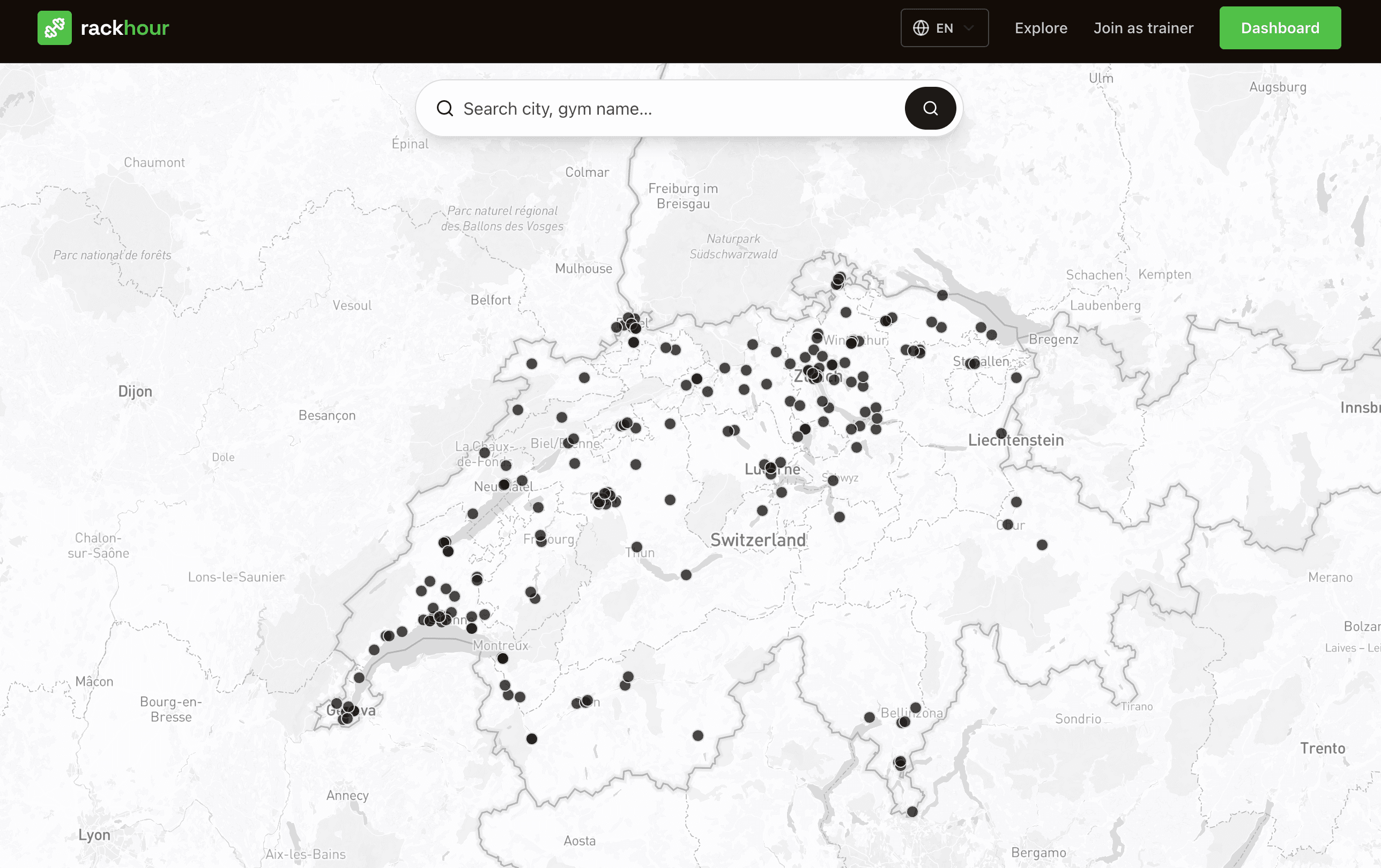
200+ Swiss gyms identified and populated automatically on the RackHour map
The LinkedIn workaround
Many CSRD experts had LinkedIn profiles. The agent found their URLs, but LinkedIn blocks automated scraping. No profile pictures, no detailed bios.
So we adapted. The agent sent me a list of LinkedIn profile URLs via Telegram. I opened them in my browser, right-clicked on each profile photo, and copied the image address. I sent those URLs back. Within minutes, the agent had:
- Downloaded every image
- Uploaded them to Cloudflare R2 storage
- Updated each expert's database record
The collaboration sweet spot: the agent does 95% of the work, the human handles the 5% that requires human access. And because the agent built the code for these applications, it already knows the database schema, the image format, everything. It built the system, so it knows exactly how to populate it.
The cloud storage migration
All those images were initially stored on Google Cloud Storage. It worked, but the bandwidth costs added up quickly. I asked the agent to research alternatives, and together we landed on Cloudflare R2: generous free tier for storage and zero egress costs.
Because the agent already had access to both GCS and my database, I asked it to handle the migration. It moved 46 images from GCS to R2, updated 41 database records with the new URLs, and verified everything was serving correctly. Real infrastructure work, done autonomously.
Email outreach
Once the CSRD Experts directory was populated, I needed to notify them: "Your profile is live. Do you want to update anything?"
I didn't want to:
- Find their email addresses myself
- Write 65 personalized emails myself
- Have the agent send emails without my review
Drafts, not sends. Preparation, not execution.
Finding emails
The agent tried web scraping first. Not reliable enough. It then suggested several APIs and I went with Hunter.io. Within an hour, it had verified email addresses for dozens of experts.
Creating drafts
I gave the agent access to one of my Gmail accounts through the Gmail API. It composed personalized outreach emails referencing each expert's specific profile, firm, and specialization. Twenty-six drafts appeared in my inbox, each one ready for me to review and send with one click.
The trust ladder applies to everything, not just code. For code, I graduated from read-only to autonomous PRs. For email, I started with drafts. Same principle.
Next up: the same approach for RackHour, drafting outreach to gym owners to claim their profiles.
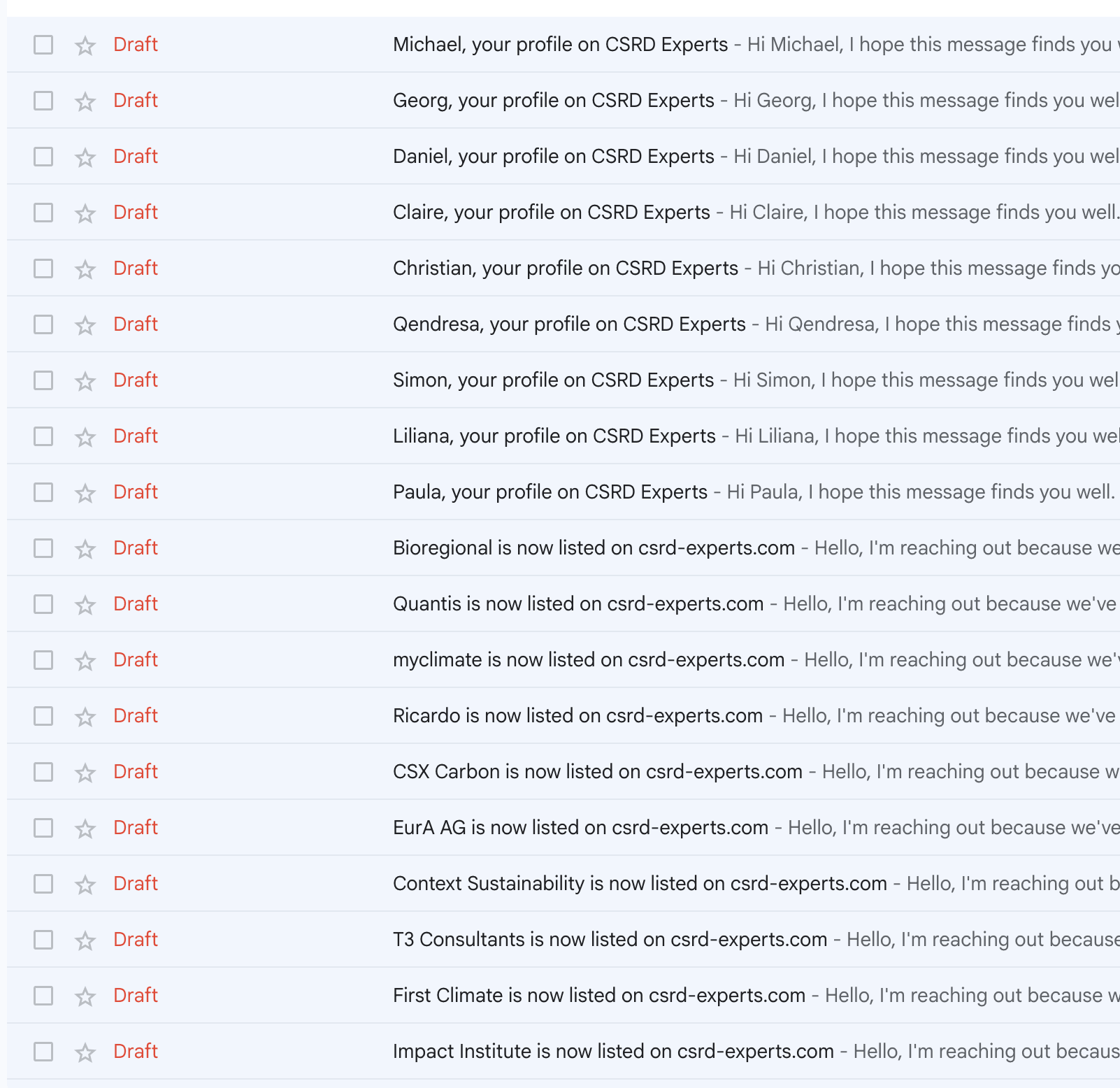
26 personalized draft emails, ready to review and send
SEO on autopilot
This picks up directly from the first article, where "SEO as a feedback loop" was a wish. Now it's running.
The setup
I connected Google Search Console via API. The agent can see:
- Which pages get impressions
- Which queries drive traffic
- Which pages are indexed
- Where the gaps are
What the agent proposed
For RackHour:
- City and canton landing pages for every Swiss region
- Schema markup for gym listings
- A blog focused on CrossFit culture in Switzerland
For CSRD Experts:
- Topic pages around sustainability regulations
- Expert spotlights
- Content around ESRS topics
The content engine
The agent writes blog posts that reference actual data from the platforms. A RackHour article about "CrossFit in Romandie" mentions real gyms from the database. A CSRD article about double materiality references actual experts in the directory.
To make it fully autopilot, I asked the agent to write three blog posts per week for each platform. It set up its own recurring reminders, executes the writing on schedule, and notifies me when new posts are ready.
The content quality surprised me. Because the agent understands the full context of each application, the data, the profiles, the geographic distribution, the content feels specific and grounded. Not generic AI filler. Too early for traffic results, but the foundation is solid.
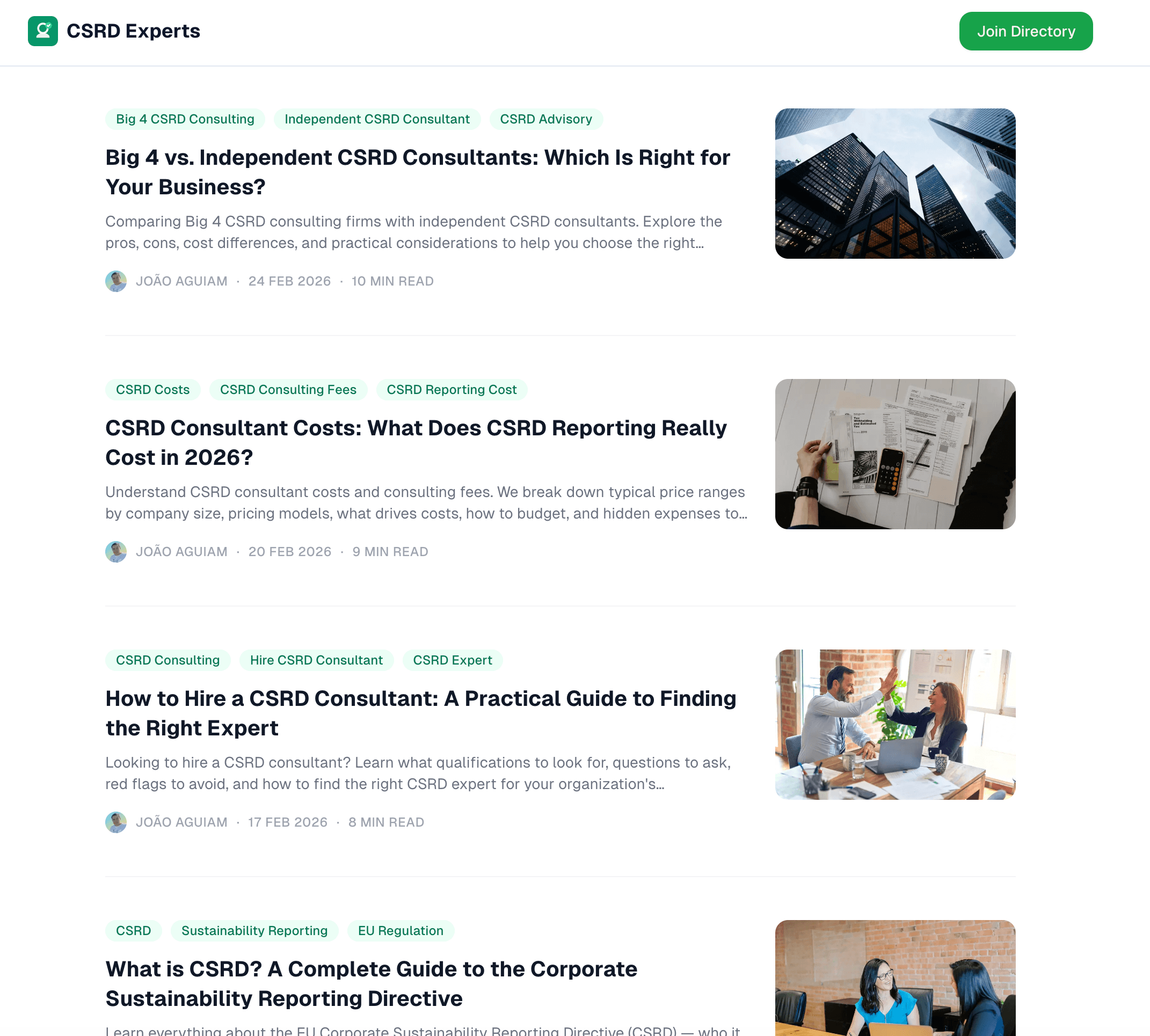
Blog posts written and published automatically by the agent
Cron jobs for everything
Once I saw how well scheduled tasks worked for the blog, I started automating everything I'd otherwise forget or check manually. Here's a sample:
- Restaurant menu - The restaurant near my house, Fleur de Lys at Auberge de Porsel, publishes a weekly menu PDF every Monday. A cron fetches it and sends it to me.
- Commune monitoring - Three communes near my home publish construction permit enquiries on their websites. Weekly crons check for new publications and alert me.
- Google Search Console reports - Weekly summary of traffic changes across my projects.
- Blog publishing - The SEO blog posts mentioned above, scheduled three times per week.
A small fleet of automated tasks that keeps me informed without any manual effort. And I'm just getting started. Every week I think of something new that should be a cron.
The ones I didn't see coming
Beyond the structured use cases, there's a growing list of things I tried simply because the agent was there and I thought, "Why not?"
Camping car ad. I needed to sell my camping car. I shared 15 photos from my iPhone via Telegram. The agent blurred license plates, extracted vehicle details from the registration document, researched comparable Swiss listings, estimated a fair price, and wrote the full listing in French. Twenty minutes, ready to post.
Presentations. I needed a slide deck for a "Lead by Example" leadership workshop. Over several days, in between messages about other projects, I iterated with the agent on the content. It asked me questions about the audience, the format, what I wanted people to walk away with. I shared stories from my past experience, frameworks I believed in, exercises I wanted to include. The agent stored all of it.
When it was time to build the actual deck, I did it in three steps:
- Research with OpenClaw - all the back-and-forth across multiple days became a structured brief
- Content in Claude - I extracted everything from OpenClaw, moved it to Claude, and built the full slide-by-slide content there
- Design in PowerPoint - I took the outline and slide content into PowerPoint using the Claude add-in and designed the final presentation. Another option would have been NotebookLM's new per-slide editing workflow, which we covered last week
Three tools, each doing what it does best. The agent for thinking and iterating, the code assistant for structuring, and PowerPoint for the final design.
Second brain. OpenClaw is becoming the place where I store everything about my personal life. Dive logs from Egypt. CrossFit WODs and personal records. Full vacation planning with flights, hotels, activities, and practical details like eSIM providers, all in one place. Instead of scattered notes across apps, I have a single assistant that remembers everything and can pull it up when I need it.
The important part: all of this lives in my own Git repository. The agent commits structured files that I fully own. If OpenClaw disappears tomorrow, I still have every note, every log, every plan. No vendor lock-in on my own memories.
The pattern
What connects a gym database, an email outreach campaign, a dive trip plan, and a construction permit monitor? Nothing, on the surface. But the interaction pattern is always the same:
- You have a task.
- You wonder if the agent could handle it.
- You describe what you want in plain language.
- The agent does it or tells you what it needs.
- You iterate together until it's done.
But there's a deeper insight. The agent's power compounds because of context.
- It built my code, so it knows my database schema.
- It scraped my data, so it knows the format.
- It set up my infrastructure, so it knows my deployments.
- It wrote my blog posts, so it knows the content structure.
Each new task benefits from everything that came before. When I asked for Gmail drafts, it already knew each expert's profile URL because it built the directory. When I asked for SEO content, it already knew every gym because it scraped them. When I asked for cron jobs, it already knew my server because it managed the deployments.
This is not a tool for isolated tasks. It's a collaborator whose value grows with shared history.
That said, this is also what worries me. The more context the agent accumulates, the harder it becomes to switch. There will be better personal assistants. There will be reasons to migrate. I'm already thinking about this. It's why my second brain lives in Git, not inside OpenClaw. It's why I keep persistent data in my own databases, my own repos, my own infrastructure. The agent can read and write to all of it, but I own the data.
Be intentional about this from the start. Use these tools, but don't let them become the only place where your knowledge lives. The moment you can't leave, you're no longer choosing to stay.
What's still hard
- Platform restrictions. LinkedIn blocks scraping. Some APIs require paid plans. Some websites actively block automated access. The agent finds alternatives, but some doors stay closed.
- Quality control at scale. Three blog posts per week sounds great, but who ensures quality over time? I review them now, but I haven't found the right balance between throughput and oversight.
- Clarity of instructions. The agent executes well-defined tasks remarkably well. Vague instructions produce vague results. Managing an agent requires thinking like a manager, not a maker.
- The delegation tension. The more I delegate, the less I understand the details of my own systems. I haven't written code for RackHour in weeks. Liberating and concerning in equal measure.
Just try it
None of this was planned. I started with one task, then tried another, then another. Each experiment revealed more capability, which sparked more ideas, which led to more experiments.
The use cases I described are mine. Yours will be different. That's the point.
You won't discover them by reading articles. You'll discover them by trying. Install the agent. Give it one task. Then another. Then one you think is ridiculous. Especially that one.
Develop the habit of wondering: "What if the agent could do this?" Ask it when you're dreading a tedious task. Ask it when you're curious. Ask it when you're stuck.
Things are changing fast. Weeks, not months. Keep experimenting. The ceiling of what's possible keeps rising. Make sure you're rising with it.